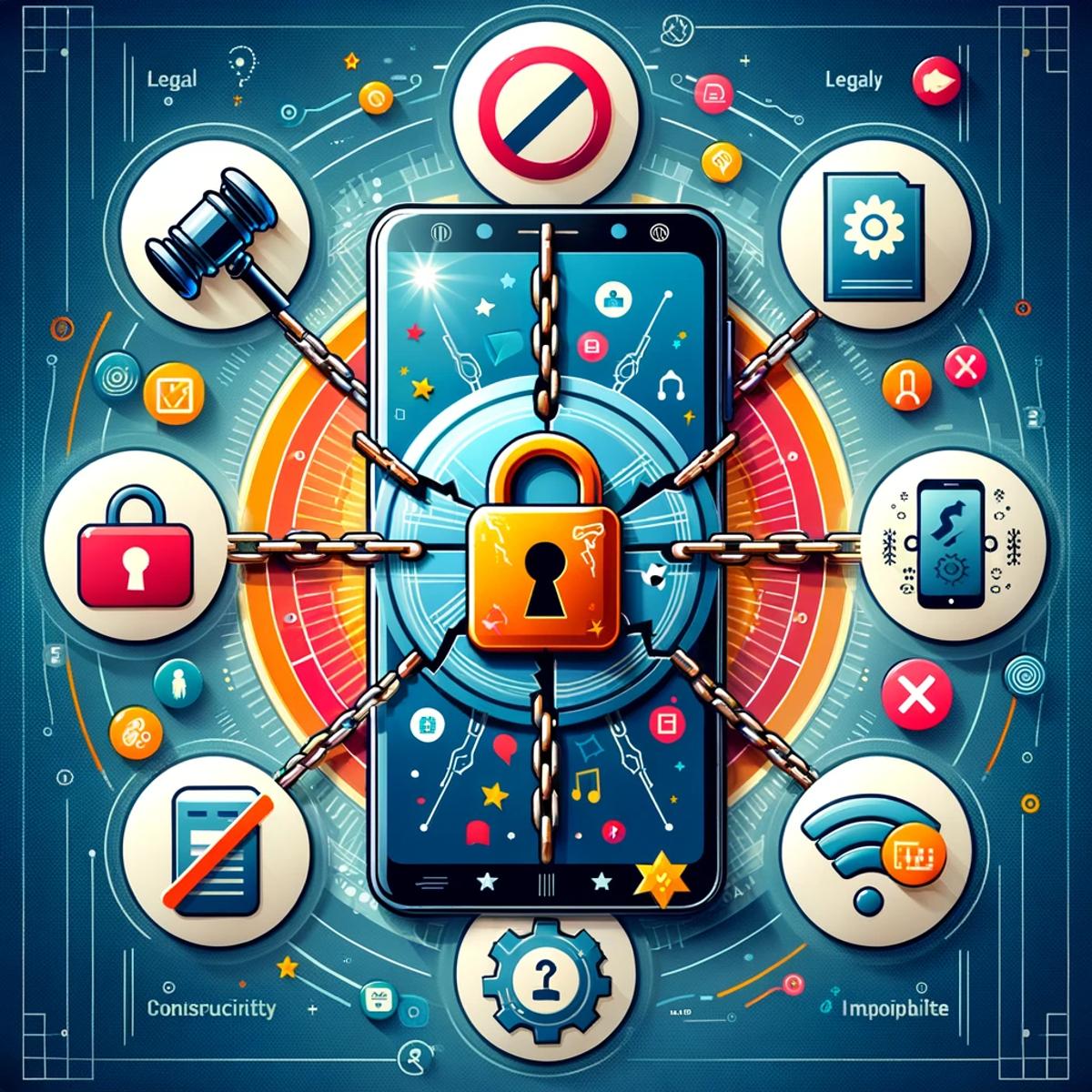
Busting 5 myths about unlocking your phone
In the intricate dance of mobile technology, phone unlocking remains one of the most misunderstood steps. The concept is simple, yet surrounded by myths that cloud judgment and foster hesitation. Let's clear the air and uncover the truth about unlocking your phone, ensuring you're informed and confident in navigating this key aspect of mobile freedom.
Myth 1: Unlocking is illegal
The notion that unlocking your phone breaches some legal boundary is a myth that carriers have, perhaps unintentionally, not rushed to clarify. In reality, unlocking your phone is perfectly legal in many regions, including the US and Canada. Regulations like the CRTC’s Wireless Code and the Consumer Code for Wireless Services have made it clear: consumers have the right to unlock their devices, often at no extra cost.
Myth 2: It erases your data
Fear of data loss is a significant deterrent for many. However, unlocking your phone has no impact on its content. Your photos, contacts, messages, and apps remain untouched. Unlocking merely alters the phone's ability to recognize different network SIM cards, not its storage.
Myth 3: It's the same as jailbreaking
Confusion often arises between unlocking and jailbreaking, especially for iOS users. While unlocking allows your phone to use SIM cards from various carriers, jailbreaking removes limitations imposed by the operating system, enabling the setup of unauthorized apps. They serve different purposes and should not be conflated.
Myth 4: It harms your device
The fear of damaging one's phone is understandable but unfounded when it comes to unlocking. This process merely reverts the phone to its factory state regarding network compatibility. It does not alter the phone's hardware or core software, thus posing no risk of harm.
Myth 5: It voids the warranty
A common concern is that unlocking a phone nullifies its warranty. This is a myth. Unlocking is a carrier-imposed restriction, not a manufacturer one. Since it's legally sanctioned and doesn't alter the device's functionality, your warranty remains intact.
Armed with these truths, the path to unlocking your phone should now seem less daunting and more like a doorway to greater flexibility and choice in how you use your mobile device. Whether it's for international travel, switching carriers for a better deal, or simply for the freedom of choice, unlocking your phone is a step towards a more liberated mobile experience.
Need the exact taps for your phone? See adding your eSIM on iPhone, adding your eSIM on Android, or adding your eSIM on Samsung.
Foire aux questions
C'est rapide. D'abord, vérifiez que votre téléphone est débloqué et compatible eSIM. Ensuite, téléchargez l'app du fournisseur (comme celle de KnowRoaming). Choisissez votre forfait et installez l'eSIM depuis l'app, ou scannez un code QR. À l'arrivée, activez l'itinérance des données pour votre eSIM. Pas de cartes physiques ni de kiosques d'aéroport.
Deux moyens rapides : touchez « Mon téléphone est-il compatible ? » dans n'importe quel sélecteur de forfaits sur KnowRoaming.com, ou cherchez l'option « Ajouter une eSIM » dans les réglages de votre téléphone. La plupart des téléphones vendus depuis 2019 sont compatibles eSIM.
KnowRoaming prend en charge la plupart des téléphones compatibles eSIM, dont les iPhone, Samsung, Google Pixel, Huawei et d'autres. Vous pouvez vérifier votre téléphone avec l'outil de compatibilité présent sur chaque page produit eSIM KnowRoaming.
Pour vérifier si votre téléphone est compatible eSIM, vous pouvez utiliser l'outil de compatibilité en temps réel de KnowRoaming. Rendez-vous sur n'importe quelle page eSIM pour une vérification instantanée, en scannant un code QR ou en touchant le bouton de compatibilité eSIM.
No swapping SIM cards, no kiosk queues at the airport, set it up once and it's ready every time after.
Avec KnowRoaming, l'installation prend moins de cinq minutes. Dans l'app, il faut environ une minute et quelques touches, en Wi-Fi.