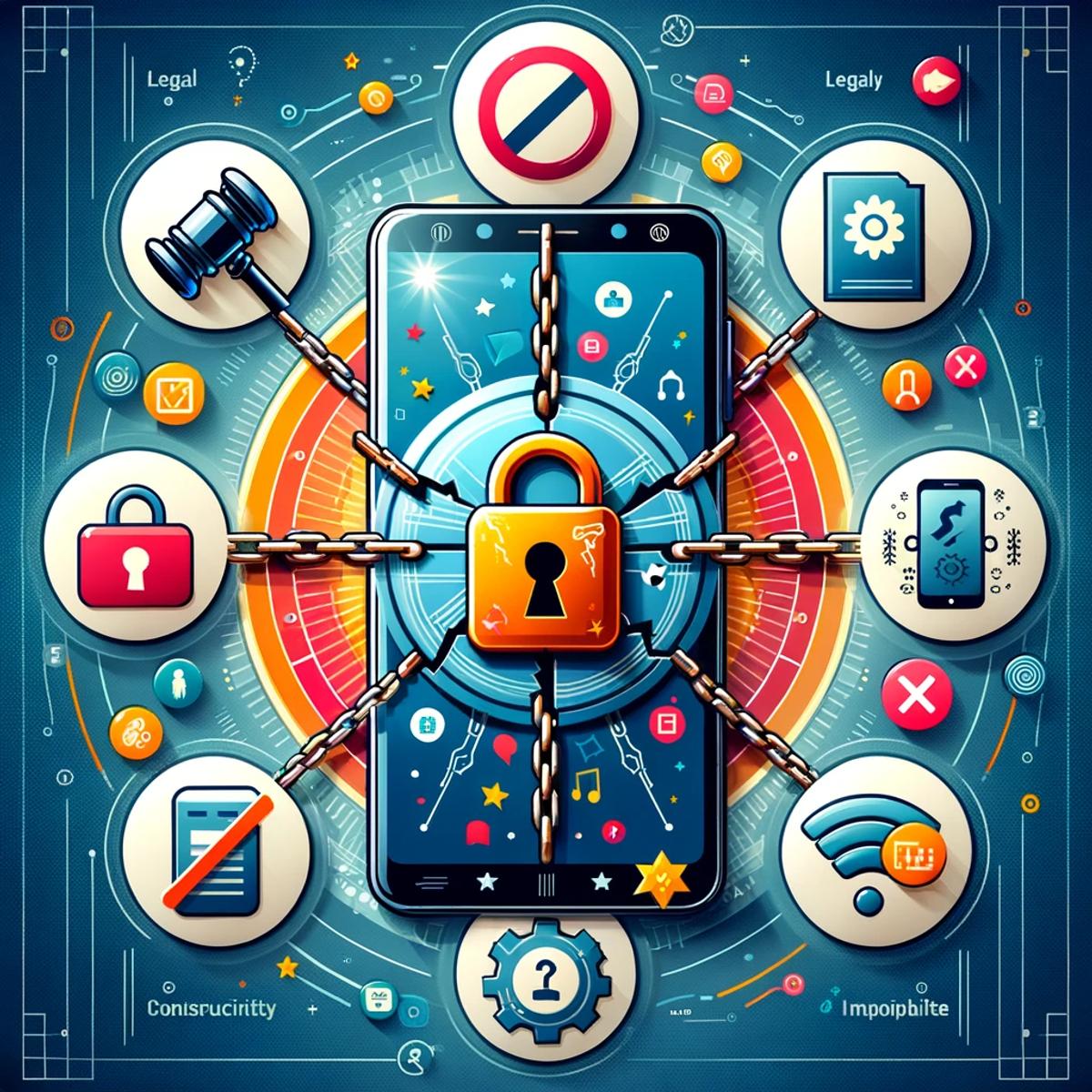
Busting 5 myths about unlocking your phone
In the intricate dance of mobile technology, phone unlocking remains one of the most misunderstood steps. The concept is simple, yet surrounded by myths that cloud judgment and foster hesitation. Let's clear the air and uncover the truth about unlocking your phone, ensuring you're informed and confident in navigating this key aspect of mobile freedom.
Myth 1: Unlocking is illegal
The notion that unlocking your phone breaches some legal boundary is a myth that carriers have, perhaps unintentionally, not rushed to clarify. In reality, unlocking your phone is perfectly legal in many regions, including the US and Canada. Regulations like the CRTC’s Wireless Code and the Consumer Code for Wireless Services have made it clear: consumers have the right to unlock their devices, often at no extra cost.
Myth 2: It erases your data
Fear of data loss is a significant deterrent for many. However, unlocking your phone has no impact on its content. Your photos, contacts, messages, and apps remain untouched. Unlocking merely alters the phone's ability to recognize different network SIM cards, not its storage.
Myth 3: It's the same as jailbreaking
Confusion often arises between unlocking and jailbreaking, especially for iOS users. While unlocking allows your phone to use SIM cards from various carriers, jailbreaking removes limitations imposed by the operating system, enabling the setup of unauthorized apps. They serve different purposes and should not be conflated.
Myth 4: It harms your device
The fear of damaging one's phone is understandable but unfounded when it comes to unlocking. This process merely reverts the phone to its factory state regarding network compatibility. It does not alter the phone's hardware or core software, thus posing no risk of harm.
Myth 5: It voids the warranty
A common concern is that unlocking a phone nullifies its warranty. This is a myth. Unlocking is a carrier-imposed restriction, not a manufacturer one. Since it's legally sanctioned and doesn't alter the device's functionality, your warranty remains intact.
Armed with these truths, the path to unlocking your phone should now seem less daunting and more like a doorway to greater flexibility and choice in how you use your mobile device. Whether it's for international travel, switching carriers for a better deal, or simply for the freedom of choice, unlocking your phone is a step towards a more liberated mobile experience.
Need the exact taps for your phone? See adding your eSIM on iPhone, adding your eSIM on Android, or adding your eSIM on Samsung.
よくある質問
How to use an eSIM while backpacking is surprisingly simple. First, ensure your phone is unlocked and eSIM-compatible. Then, download the provider's app (like KnowRoaming's). You can choose your plan and add the eSIM digitally through the app, often by scanning a QR code. Once added, just enable data roaming for your eSIM, and you're ready to go, no physical cards or airport kiosks needed.
Two quick ways: tap "Is my device compatible" on any plan selector on KnowRoaming.com, or check your phone's settings for an "Add eSIM" option. Most phones sold since 2019 support eSIM.
KnowRoaming supports most eSIM-compatible phones, including iPhone, Samsung, Google Pixel, Huawei, and more. You can check your device using the compatibility checker on each KnowRoaming eSIM product page.
To check if your phone is eSIM compatible you can use KnowRoaming’s real-time compatibility tool. Go to any eSIM page for an instant check by scanning a QR code or tapping the eSIM compatible button.
No swapping SIM cards, no kiosk queues at the airport, set it up once and it's ready every time after.
With KnowRoaming, setup takes less than five minutes. Using the automatic setup in the KnowRoaming app, you can download and add your eSIM in just a few taps. This makes it one of the fastest and most reliable ways to get connected before your trip.