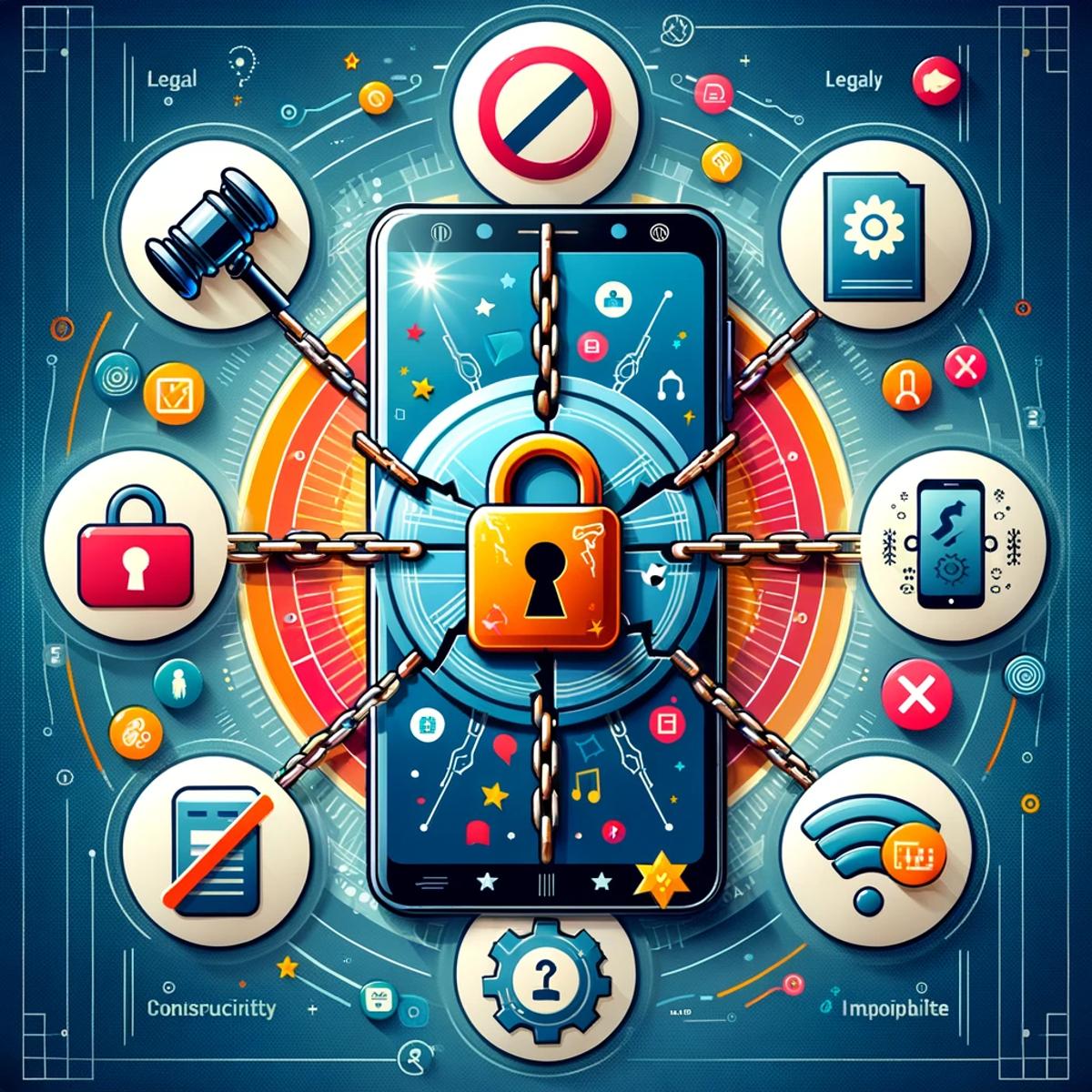
Busting 5 myths about unlocking your phone
In the intricate dance of mobile technology, phone unlocking remains one of the most misunderstood steps. The concept is simple, yet surrounded by myths that cloud judgment and foster hesitation. Let's clear the air and uncover the truth about unlocking your phone, ensuring you're informed and confident in navigating this key aspect of mobile freedom.
Myth 1: Unlocking is illegal
The notion that unlocking your phone breaches some legal boundary is a myth that carriers have, perhaps unintentionally, not rushed to clarify. In reality, unlocking your phone is perfectly legal in many regions, including the US and Canada. Regulations like the CRTC’s Wireless Code and the Consumer Code for Wireless Services have made it clear: consumers have the right to unlock their devices, often at no extra cost.
Myth 2: It erases your data
Fear of data loss is a significant deterrent for many. However, unlocking your phone has no impact on its content. Your photos, contacts, messages, and apps remain untouched. Unlocking merely alters the phone's ability to recognize different network SIM cards, not its storage.
Myth 3: It's the same as jailbreaking
Confusion often arises between unlocking and jailbreaking, especially for iOS users. While unlocking allows your phone to use SIM cards from various carriers, jailbreaking removes limitations imposed by the operating system, enabling the setup of unauthorized apps. They serve different purposes and should not be conflated.
Myth 4: It harms your device
The fear of damaging one's phone is understandable but unfounded when it comes to unlocking. This process merely reverts the phone to its factory state regarding network compatibility. It does not alter the phone's hardware or core software, thus posing no risk of harm.
Myth 5: It voids the warranty
A common concern is that unlocking a phone nullifies its warranty. This is a myth. Unlocking is a carrier-imposed restriction, not a manufacturer one. Since it's legally sanctioned and doesn't alter the device's functionality, your warranty remains intact.
Armed with these truths, the path to unlocking your phone should now seem less daunting and more like a doorway to greater flexibility and choice in how you use your mobile device. Whether it's for international travel, switching carriers for a better deal, or simply for the freedom of choice, unlocking your phone is a step towards a more liberated mobile experience.
Need the exact taps for your phone? See adding your eSIM on iPhone, adding your eSIM on Android, or adding your eSIM on Samsung.
Häufig gestellte Fragen
Das geht schnell. Prüfe zuerst, ob dein Handy entsperrt und eSIM-fähig ist. Lade dann die App des Anbieters herunter (zum Beispiel die von KnowRoaming). Wähle deinen Tarif und installiere die eSIM über die App oder scanne einen QR-Code. Wenn du landest, schalte Datenroaming für deine eSIM ein. Keine physischen Karten, keine Flughafen-Kioske.
Zwei schnelle Wege: Tippe auf KnowRoaming.com bei jeder Tarifauswahl auf „Ist mein Handy kompatibel?“, oder suche in den Einstellungen deines Handys nach der Option „eSIM hinzufügen“. Die meisten Handys, die seit 2019 verkauft werden, unterstützen eSIM.
KnowRoaming unterstützt die meisten eSIM-fähigen Handys, darunter iPhone, Samsung, Google Pixel, Huawei und weitere. Mit dem Kompatibilitäts-Check auf jeder KnowRoaming-eSIM-Produktseite kannst du dein Handy prüfen.
Ob dein Handy eSIM-fähig ist, kannst du mit dem Echtzeit-Kompatibilitäts-Check von KnowRoaming prüfen. Öffne eine beliebige eSIM-Seite und scanne einen QR-Code oder tippe auf die Schaltfläche „eSIM-fähig“, dann bekommst du sofort das Ergebnis.
No swapping SIM cards, no kiosk queues at the airport, set it up once and it's ready every time after.
Mit KnowRoaming dauert die Installation weniger als fünf Minuten. In der App sind es etwa eine Minute und ein paar Tipper, im WLAN.