

تطبيق واحد، السيطرة الكاملة.
قم بإدارة باقاتك وبياناتك وبطاقة eSIM الخاصة بك من هاتفك، أينما كنت.




Yes. The Europe plan covers Belarus and 48 other countries, including Lithuania, Latvia, and Poland, and your phone switches networks by itself at the border. Read whether a region plan covers every country in it for the details.
In Belarus your plan connects to A1, MTS, or life:), with 5G in Minsk and 4G LTE elsewhere. Your phone joins the network automatically once your eSIM is turned on. If it hasn't connected a minute after landing, work through the no-signal checklist.
Not reliably. Sanctions on several local banks mean foreign cards are declined at many terminals and ATMs. Bring cash to exchange, and keep the plan on so your banking app can confirm any card payment that does go through.
Generally, over the plan's data, though services can be restricted or slowed at short notice. A Belarus plan is data only, so calls home go over an app rather than a local number; test the app you rely on when you land and keep an alternative installed.
A fixed plan costs less overall; an unlimited plan (a daily high-speed allowance, then slower) works out to a lower daily rate the longer you stay. The price depends on how much data you want and how many days you're staying; every current option and price is in the plan selector at the top of this page.
In the app: open My eSIMs, choose your Belarus plan, and tap Top up. The extra data lands on the same eSIM within a few seconds, with nothing new to add or scan. Full steps are in Top up your plan: add data or days without a new eSIM.
Weeks ahead. Your plan doesn't start until you connect at your destination, so a plan bought a month before departure is still complete when you land. Start your plan within 90 days of buying it. See when your plan starts and how the days are counted.
It thins. Rural coverage drops between towns, on the same pattern as any network, and services can be slowed or restricted at short notice. Keep maps, documents, and contacts saved offline.
قم بإدارة باقاتك وبياناتك وبطاقة eSIM الخاصة بك من هاتفك، أينما كنت.
Install your eSIM before you fly. It's live the moment you land, nothing to check, nothing to remember.
Already with us? Get the app on the App Store or Google Play.
Trips to Belarus are mostly work, family, and transit, and the practical problems are the ones a working phone solves: the ride from Minsk National Airport, the card that may not work, the hotel confirmation the border officer asks to see. The best eSIM for Belarus is the one installed at home, on Wi-Fi, so that the phone connects to 5G as you clear passport control.
Below: how a Belarus plan works, how to install your eSIM before you fly, what to expect in Minsk and on the road, and what to know about cards, borders, and which plan fits.
Install it once. Add a plan for each trip. Top up when you need more data. Your home SIM stays in your phone, with your number on it.
Most travel eSIMs make you start over for every country, which in Europe means a new QR code every few days. KnowRoaming doesn't. You install the KnowRoaming eSIM on your phone once. KR.One, the technology behind it, lets that one eSIM hold plans for every destination. From then on, you add a plan for each trip: Belarus now, Lithuania in the spring, the whole continent on a Europe plan when the itinerary gets ambitious. Nothing to scan again, nothing to delete when you get home.
Your plan starts when you connect in Belarus, not when you buy. Buy it weeks ahead, install your eSIM at home, and a delayed flight costs you nothing. The full rule is in when your plan starts and how the days are counted.
Choose a fixed plan for a set amount of data at the lowest overall price, or an unlimited plan when you'd rather not count. Unlimited plans give you a daily high-speed allowance, then a slower speed until the allowance resets the next day. If a fixed plan runs low, top up in the app and the extra data lands on the same eSIM. Hotspot works on every plan, fixed or unlimited; a laptop or a travel partner's phone shares the same eSIM data.
See it in two minutes: Meet KR.One, Install on iPhone, or Install on Samsung.
Do this at home on Wi-Fi. It takes about a minute.
Prefer a QR code? The checkout page and your confirmation email both carry one; scan it from your phone's settings. Every tap is in how to add your plan, start to finish, or watch the iPhone QR walkthrough or the Samsung QR walkthrough. Still no signal after landing? Work through the no-signal checklist.
The airport is about 40 km east of the city, about 45 minutes by taxi or an hour by bus and train. Yandex Go is the ride app that works, over the plan's data with the phone number you already have. Visa rules for Belarus change often and depend on how you arrive, so check the current rule for your passport before you book, and keep the confirmation saved offline as well as in your inbox.
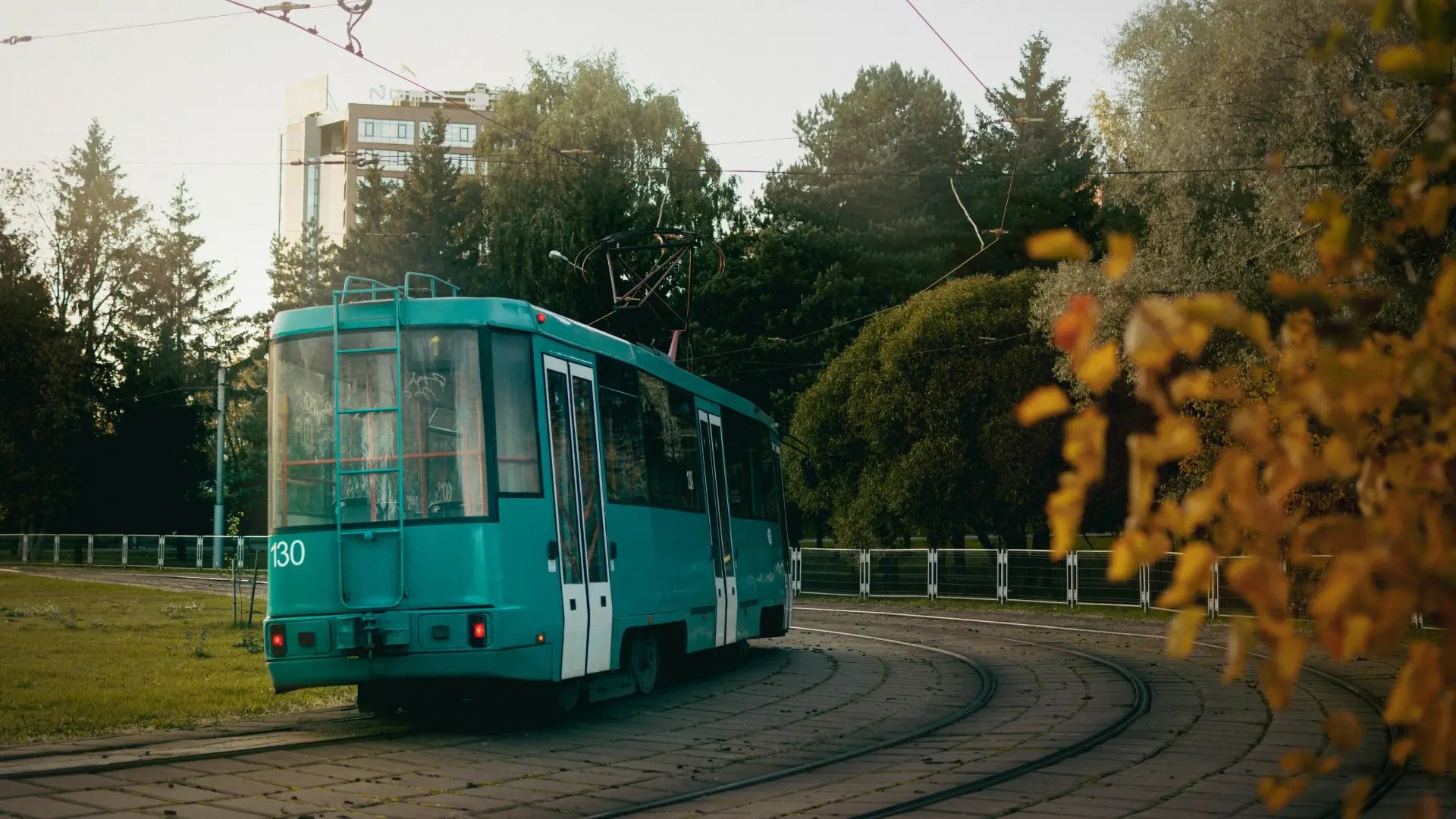
The Minsk Metro and the buses cover the city; Independence Avenue, the Upper Town, and the Svislach embankments are the walk. Outside Minsk, trains and marshrutkas link Brest, Grodno, Vitebsk, and Gomel, with tickets bought at the station or online.
Foreign bank cards are unreliable in Belarus because several local banks are under sanctions, and some foreign apps and services are restricted or slow. Bring cash to exchange for Belarusian rubles, keep any documents you may need saved on the phone rather than in the cloud, and don't count on a specific app working until you've tested it there.
A Belarus plan is data only. Calls home go over WhatsApp, Telegram, or another app, and your home number keeps working on your home SIM for texts and bank codes, as long as that line stays on.
Belarus is on the Europe plan, 49 countries including Lithuania, Latvia, and Poland, and on the Global plan. Crossings to the EU neighbors exist but can be slow or closed at short notice, and the border with Ukraine is closed. For a trip that continues into the Baltics or Poland, the Europe plan covers both sides; a Belarus-only plan stops at the border. Read crossing into a border country your plan doesn't include before a route that leaves the plan's coverage.
Brest, on the Polish border, has the fortress and the railway museum and is the usual exit point for the train to Warsaw; Grodno's old town is the other western stop. Both are a few hours from Minsk by train, both have 4G, and both are where you'll confirm the onward leg, since border timings and train schedules change.
Vitebsk, Chagall's birthplace, and Gomel in the south-east are the other regional cities, both several hours by train; Belovezhskaya Pushcha, the primeval forest on the Polish border with its bison, is the country's one large natural site and a day from Brest. Coverage in all of them is 4G in town and thin in the forest.
For a stay of weeks, an unlimited plan, with a daily high-speed allowance, covers daily video calls and the hotspot for a laptop when the apartment's connection is slow. Fixed plans suit a short work trip. Both are on the plan selector at the top of this page, and plans can be added or topped up from the app while you're there, as long as you have data or Wi-Fi to do it.
Your plan connects to A1, MTS, or life:), with 5G in Minsk and 4G LTE in the regional cities and along the main roads. Your phone picks the network automatically once the plan is on; there is nothing to choose by hand.
Rural coverage thins between towns, on the same pattern as any network, and services can be slowed or restricted at short notice. Keep maps, documents, and contacts saved offline.
Most current iPhone, Samsung Galaxy, and Google Pixel phones support eSIM. Check yours before you add a plan; it takes a few seconds. On iPhone, go to Settings > General > About and look for an EID or Available SIM. On Android, go to Settings > Network & Internet > SIMs and look for an option to add an eSIM. On Samsung, dial *#06# and look for an EID.
Your phone also needs to be carrier-unlocked. If you're not sure, the same check shows you where to look.
Adding a Belarus plan doesn't touch your regular SIM. Calls and texts on your usual number keep working exactly as before. The new plan handles data while you're there, and most phones run both at once without you doing anything else. Bank codes and two-factor texts still arrive on your home number, as long as that line stays switched on.
One plan. No roaming surprises. Live the moment you land.
For a European trip the real competition isn't another eSIM. It's your home carrier's roaming add-on, priced for a weekend and throttled by midweek; the SIM counter in arrivals, after the flight, with a queue; and café Wi-Fi, in a country where even the bus ticket is in an app. A Belarus plan added at home beats all three: one price agreed before you fly, live the second you land, and a Europe plan waiting if the trip grows.
Real travelers rate KnowRoaming 4.5 out of 5 on Reviews.io. More than a decade in travel connectivity, more than 200 destinations, and support that doesn't clock off: WhatsApp and live chat, any time, any day.
Get the app on the App Store or Google Play.
Very easy to use and great coverage
Saleh
Jeddah, SA
I enjoyed using your service it really comes in handy
Fhatuwani
Excellent option when traveling, I fo suggest that yiu add the option to make a normal call to.
Anonymous
London, GB
