

แอปเดียว, การควบคุมอย่างเต็มที่
จัดการแผนบริการ ข้อมูล และ eSIM ของคุณผ่านโทรศัพท์ได้ทุกที่ที่คุณไป




On the Africa plan, 31 countries including South Africa. Not on the Global plan. See our support article on whether a region plan covers every country in it.
In Lesotho your plan connects to Vodacom Lesotho on 4G LTE, which handles maps, messaging, video calls, and streaming in the towns; 5G is not part of this plan. Your phone joins the network automatically once your eSIM is turned on. If it hasn't connected a minute after landing, work through the no-signal checklist.
No. A South Africa plan stops at the border post. Add a Lesotho plan to the same eSIM before you cross, or run the road trip on the Africa plan, which covers both.
At the border posts and the pub at the top, some; on the pass itself, not reliably, on any network. Download the route before you start the climb.
Lesotho plans come with a set amount of data, and you can top up in the app if it runs low. The price depends on how much data you want and how many days you're staying; every current option and price is in the plan selector at the top of this page.
In the app: open My eSIMs, choose your Lesotho plan, and tap Top up. The extra data lands on the same eSIM within a few seconds, with nothing new to add or scan. Full steps are in Top up your plan: add data or days without a new eSIM.
Weeks ahead. Your plan doesn't start until you connect at your destination, so a plan bought a month before departure is still complete when you land. Start your plan within 90 days of buying it. See when your plan starts and how the days are counted.
Expect gaps. Coverage is strong in Maseru, Mafeteng, Leribe, and along the main roads. On the Sani Pass, at Semonkong's falls, and in the highland villages, expect gaps on any network.
จัดการแผนบริการ ข้อมูล และ eSIM ของคุณผ่านโทรศัพท์ได้ทุกที่ที่คุณไป
Install your eSIM before you fly. It's live the moment you land, nothing to check, nothing to remember.
Already with us? Get the app on the App Store or Google Play.
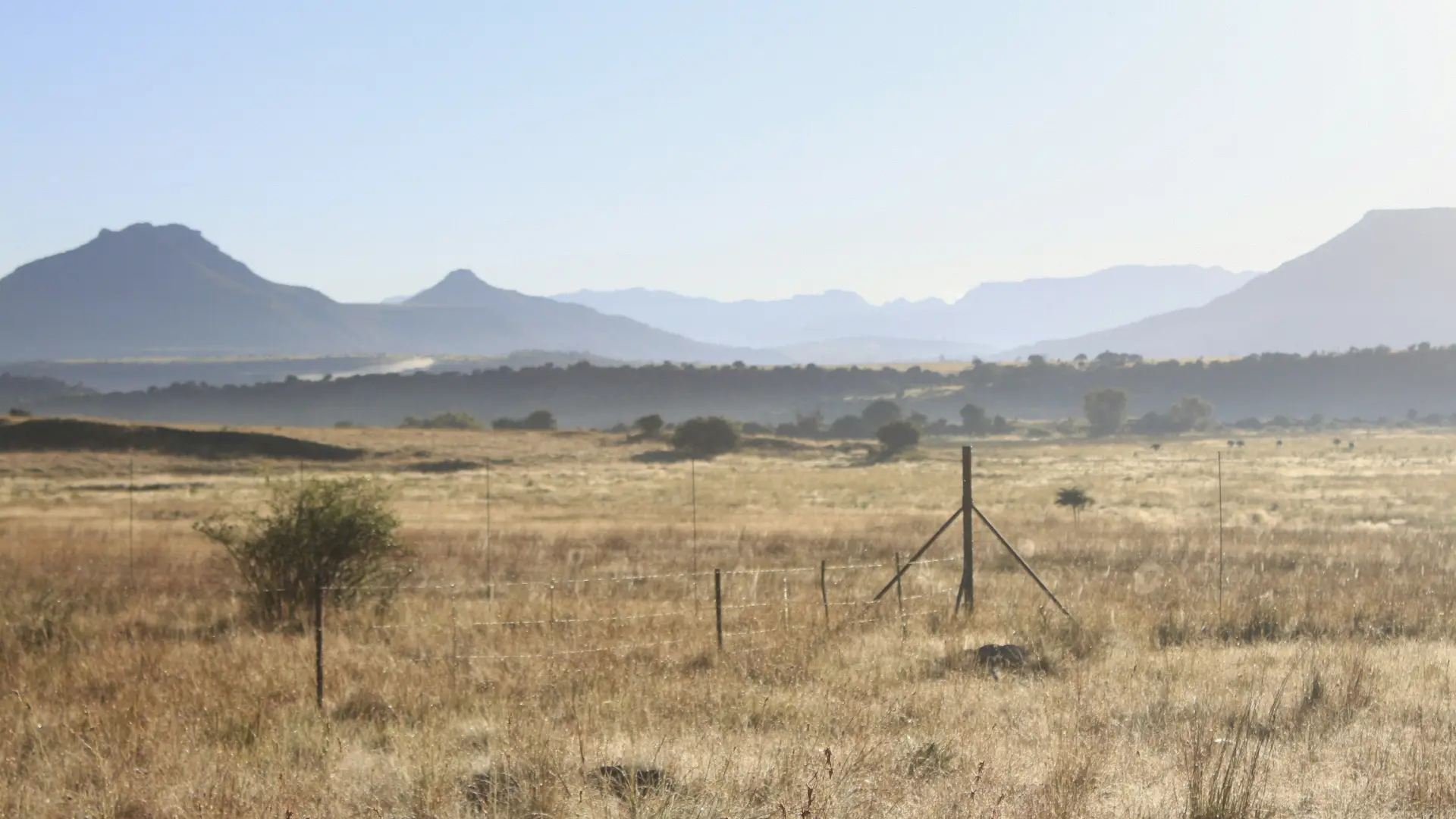
Lesotho is the kingdom in the sky, a country entirely above 1,400 meters and entirely inside South Africa, reached by a 4x4 pass or a border post an hour from Bloemfontein, and a South Africa plan goes quiet at the top of the Sani Pass. The best eSIM for Lesotho is the one installed before you cross, so the phone connects to Vodacom Lesotho at the border post and the lodge's directions load before the gravel starts.
Below: how a Lesotho plan works, how to install your eSIM before you travel, what to expect in Maseru, on the passes, and in the highlands, and why a southern African road trip usually wants the Africa plan.
Install it once. Add a plan for each trip. Top up when you need more data. Your home SIM stays in your phone, with your number on it.
African itineraries change, and most travel eSIMs make you start over every time they do. KnowRoaming doesn't. You install the KnowRoaming eSIM on your phone once. KR.One, the technology behind it, lets that one eSIM hold plans for every destination. Then you add a plan for each trip: one country when you're staying put, the Africa plan when the route crosses borders, and whatever comes next after that. Nothing to scan again, nothing to delete when you get home.
Your plan starts when you connect in Lesotho, not when you buy. Buy it weeks ahead, install your eSIM at home, and a delayed flight costs you nothing. The full rule is in when your plan starts and how the days are counted.
Lesotho plans come with a set amount of data, so choose the size that fits the trip. If it runs low, top up in the app and the extra data lands on the same eSIM. Hotspot works on every plan; a laptop or a travel partner's phone shares the same eSIM data.
See it in two minutes: Meet KR.One, Install on iPhone, or Install on Samsung.
Do this at home on Wi-Fi. It takes about a minute.
Prefer a QR code? The checkout page and your confirmation email both carry one; scan it from your phone's settings. Every tap is in how to add your plan, start to finish, or watch the iPhone QR walkthrough or the Samsung QR walkthrough. Still no signal after landing? Work through the no-signal checklist.
Most visitors cross at Maseru Bridge from Ladybrand or up the Sani Pass from the Drakensberg, the latter by 4x4 only with a border post at each end; Moshoeshoe I airport takes the few flights from Johannesburg. The loti is pegged to the South African rand and rand is accepted everywhere; cards work in Maseru and the lodges, and cash covers the villages and the taxis. Rental cars from South Africa need a cross-border letter.
The Sani Pass's hairpins and the highest pub in Africa at the top, the Afriski resort's winter snow, Semonkong's Maletsunyane falls and the abseil, and the pony treks from Malealea into the villages are the country; Vodacom's 4G covers Maseru and the main towns, and the passes, the falls, and the villages drop out on every network.
Semonkong, whose name means "place of smoke," is about three hours from Maseru over the Thaba Putsoa range on the paved A5; in Lesotho, distances are better judged in hours than in miles. The Maletsunyane Falls drop into a gorge a short drive from the town, and Semonkong Lodge runs the abseil down them. A minibus taxi to Semonkong leaves from Maseru's central bus station. Malealea, three to four hours away by road, is the other pony-trek base, with treks between the two. Semonkong has no banks and only trading stores for basics and fuel, so bring cash, and plan to arrive before dark: the mountain roads have few signs.
Maseru's Basotho Hat craft center, the Thaba-Bosiu mountain fortress, and the dinosaur footprints at Morija are the lowlands, an hour from the border; the Katse dam and the highlands' roads beyond are a long day of hairpins.
Lesotho is on the Africa plan, 31 countries on one plan that also covers South Africa; a Drakensberg to Sani to Maseru road trip runs on the Africa plan with the phone switching networks by itself at each border post. Lesotho is not on the Global plan. A Lesotho-only plan stops at the border. Read whether a region plan covers every country in it for the detail.
The winter from June to August brings snow to the passes and the season to Afriski; the summer rains from November to March make the gravel worse. Power cuts happen, and a power bank keeps the phone useful; the cold on the passes drains it faster than the data does.
Your plan connects to Vodacom Lesotho on 4G LTE. There is no 5G on this plan. Coverage is strong in Maseru, Mafeteng, Leribe, and along the main roads. Your phone picks the network automatically once the plan is on; there is nothing to choose by hand.
On the Sani Pass, at Semonkong's falls, and in the highland villages, expect gaps on any network. Save what you need in town.
Most current iPhone, Samsung Galaxy, and Google Pixel phones support eSIM. Check yours before you add a plan; it takes a few seconds. On iPhone, go to Settings > General > About and look for an EID or Available SIM. On Android, go to Settings > Network & Internet > SIMs and look for an option to add an eSIM. On Samsung, dial *#06# and look for an EID.
Your phone also needs to be carrier-unlocked. If you're not sure, the same check shows you where to look.
Adding a Lesotho plan doesn't touch your regular SIM. Calls and texts on your usual number keep working exactly as before. The new plan handles data while you're there, and most phones run both at once without you doing anything else. Bank codes and two-factor texts still arrive on your home number, as long as that line stays switched on.
One plan. No roaming surprises. Live the moment you land.
For Africa the alternatives are a home-carrier roaming rate that is often not offered at all, a local SIM in each country with registration paperwork at each border, or lodge Wi-Fi that works in the bar and nowhere else. A Lesotho plan added at home beats all three: one price agreed before you fly, live the second you land, and one plan across every border on the route.
Real travelers rate KnowRoaming 4.5 out of 5 on Reviews.io. More than a decade in travel connectivity, more than 200 destinations, and support that doesn't clock off: WhatsApp and live chat, any time, any day.
Get the app on the App Store or Google Play.
Very easy to use and great coverage
Saleh
Jeddah, SA
I enjoyed using your service it really comes in handy
Fhatuwani
Excellent option when traveling, I fo suggest that yiu add the option to make a normal call to.
Anonymous
London, GB
